

How Long Can NMEA 2000 Cables Run on a Boat?

Last Updated: November 16, 2026
Quick Summary
NMEA 2000 cable length limits depend on cable grade: a Micro backbone can run 100 meters and a Mid backbone 250 meters. Each drop must stay at 6 meters or less, and all drops combined must not exceed 72 meters.
- The backbone is measured end to end along the actual cable route, not as a straight line between devices.
- A single drop over 6 meters needs a layout change, such as moving the backbone or adding a bus extender.
- Insert power near the center of the backbone, not at one end, to reduce voltage drop at far devices.
- Intermittent dropouts at the farthest devices often point to an overlength network rather than a bad cable.
- The standard supports up to 50 nodes on the network.
Table of Contents
- NMEA 2000 Cable Length Limits at a Glance
- NMEA 2000 Backbone Cable: How Far Can the Trunk Run?
- NMEA 2000 Drop Cable Length: The 6-Meter Rule and the 72-Meter Total
-
NMEA 2000 Cable Length Calculator: A Worksheet You Can Run on Paper
- Step 1: Sketch the Layout and Mark Device Locations
- Step 2: Draw the Backbone as One Line Along the Actual Route
- Step 3: Measure Each Backbone Segment Along Its Route
- Step 4: Measure Each Drop From the Nearest Tee to Its Device
- Step 5: Add All Drops and Compare to 72 m
- Step 6: Confirm Terminators and Tee Count
- Worked Example: A 40-Foot Sailboat
- How to Set Up a NMEA 2000 Network Without Breaking the Length Rules
- Power, Voltage Drop, and Reaching a Distant Device Safely
- Diagnosing an Overlength Network Before You Buy More Cable
- Planning Your Cable Order with Charleston Yachting
- Frequently Asked Questions
NMEA 2000 Cable Length Limits at a Glance
NMEA 2000 cable length for boat networks comes down to four hard numbers: a 100-meter Micro backbone, a 250-meter Mid backbone, a 6-meter single drop, and 72 meters of combined drops.
The backbone is the long spine of the network; each device hangs off it on a short drop cable. The backbone has a generous ceiling, the drops are where most installs fail.
The Four Numbers That Decide Your Layout
| Limit | Value | What It Controls |
|---|---|---|
| Micro backbone | 100 m (328 ft) | Total trunk length using Micro cable |
| Mid backbone | 250 m (820 ft) | Total trunk length using Mid cable |
| Single drop | 6 m (19.7 ft) | Distance from backbone to one device |
| Total drops | 72 m (236 ft) | Sum of every drop cable on the network |
NMEA 2000 Backbone Cable: How Far Can the Trunk Run?
The backbone can run 100 meters with Micro cable and 250 meters with Mid cable.
The drop limit bites constantly.
Backbone distance is measured end to end, from one terminator to the other. It is not the straight-line distance between the two furthest devices. Route the cable around a bulkhead or through a locker and that extra length counts. According to CSS Electronics' NMEA 2000 explainer, the standard supports up to 50 nodes, and the cable run limits exist to keep signal timing clean across all of them.
Micro, Mid, and Mini: Cable Grade Sets the Ceiling
Cable grade is the single biggest lever on trunk length. Micro cable tops out at 100 meters. Mid cable reaches 250 meters.
The Actisense Mid bulk reel is rated for a backbone up to 250 meters, with 8A current capacity on Mini connectors.
If you are weighing kits before you commit, our Marine Network Backbone Kit Comparison Guide lays the options side by side.
NMEA 2000 Drop Cable Length: The 6-Meter Rule and the 72-Meter Total
A single NMEA 2000 drop cable length must not exceed 6 meters, and all drop cables combined must stay under 72 meters. Those are the two numbers that sink most home installs. A masthead wind sensor, a stern transducer, and a flybridge chartplotter can eat that 72-meter budget faster than you expect.
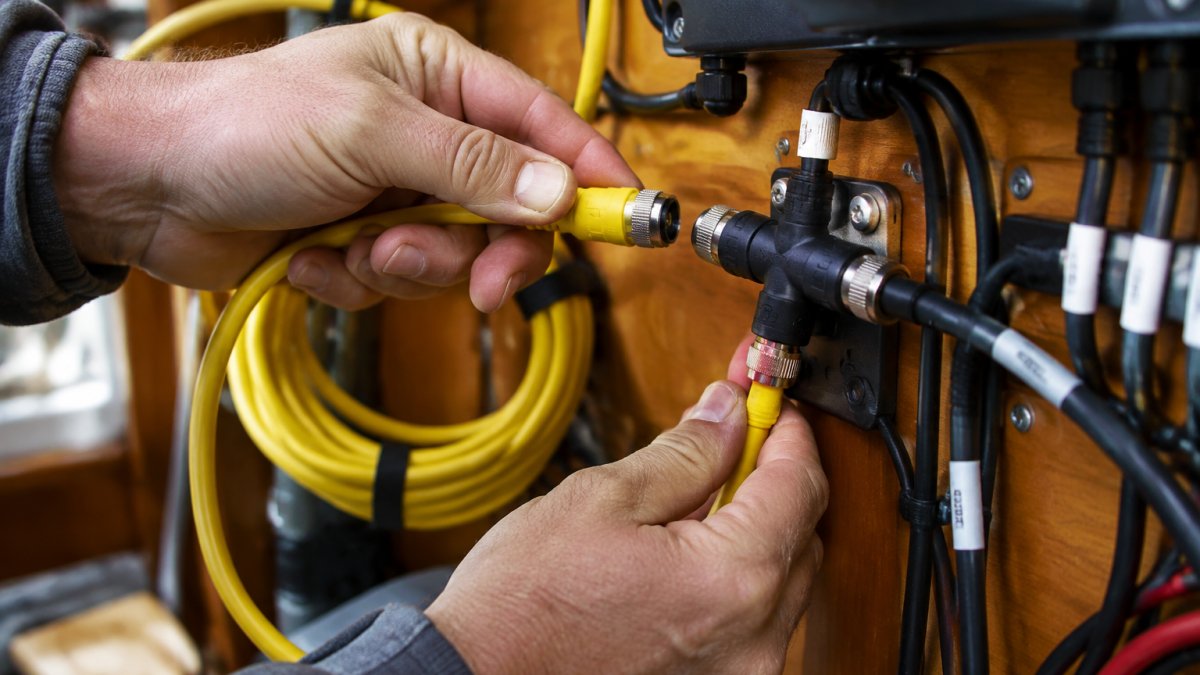
Keep every drop as short as the run allows. If a device sits 9 meters from the backbone, you cannot fix it with a longer drop.
A common mistake is running one long drop to a masthead unit because it is easier than routing the backbone upward. The network may work at the dock and fail offshore. Signal problems show up under load, not at idle.
NMEA 2000 Cable Length Calculator: A Worksheet You Can Run on Paper
You do not need software to size a network. Grab a tape measure, a notepad, and walk the boat. This worksheet takes about fifteen minutes, and the worked example below shows how the three separate limits, backbone total, longest single drop, and sum of all drops, stay independent of one another.
Step 1: Sketch the Layout and Mark Device Locations
Draw the hull outline and mark every device that will join the bus: helm chartplotter, autopilot control head, engine interface, masthead wind sensor, depth transducer, VHF with NMEA 2000, battery monitor, and any display at a second station. Note which devices sit far off the trunk route, because those drive your drop lengths.
Step 2: Draw the Backbone as One Line Along the Actual Route
The backbone is a single linear trunk with a terminator at each physical end. Draw it following the path the cable will actually take, through lockers, around bulkheads, along wire chases, not a straight line from bow to stern. Route length is what counts, and a trunk that detours around an engine room can easily add several meters.
Step 3: Measure Each Backbone Segment Along Its Route
Measure with the cable path in mind, allowing for bends and service loops. Record each segment between tees, then add them. Compare the total to 100 m for Micro cable or 250 m for Mid cable. With the drop budget setting the practical limits of the network, keep engine data and protection needs in view as you plan the layout with Toba Marine Technology.
Step 4: Measure Each Drop From the Nearest Tee to Its Device
A drop runs from a tee on the backbone to one device. Measure from the tee location, not from the nearest bulkhead or the panel where the device is mounted. Flag any drop over 6 m immediately, that device needs a design change, not a longer cable.
Step 5: Add All Drops and Compare to 72 m
Add every drop, including the short 0.5 m jumpers to nearby displays. The 72 m total is a separate budget from the backbone limit, and a masthead sensor, a stern transducer, and a flybridge chartplotter can consume it faster than owners expect.
Step 6: Confirm Terminators and Tee Count
Count your tees and confirm exactly two terminators, one at each physical end of the trunk. A missing or extra terminator causes faults that look like length problems but are not.
Worked Example: A 40-Foot Sailboat
Consider a typical 40-foot sailboat with a helm chartplotter, an autopilot control head, an engine interface, a masthead wind sensor, a depth transducer, and a battery monitor.
| Measurement | Route | Length | Limit | Result |
|---|---|---|---|---|
| Backbone segment 1 | Stern locker to helm | 4 m | , | , |
| Backbone segment 2 | Helm to engine compartment | 3 m | , | , |
| Backbone segment 3 | Engine compartment to mast base | 5 m | , | , |
| Backbone total | , | 12 m | 100 m Micro | Pass |
| Drop: chartplotter | Helm tee to display | 1 m | 6 m | Pass |
| Drop: autopilot head | Helm tee to head | 1.5 m | 6 m | Pass |
| Drop: engine interface | Engine tee to interface | 2 m | 6 m | Pass |
| Drop: masthead wind sensor | Mast base tee to masthead | 14 m | 6 m | Fail |
| Drop: depth transducer | Forward tee to transducer | 3 m | 6 m | Pass |
| Drop: battery monitor | Engine tee to monitor | 1 m | 6 m | Pass |
| Sum of drops | , | 22.5 m | 72 m | Pass |
Length
The backbone and total-drop budgets both pass comfortably, yet the masthead sensor fails the single-drop rule at 14 m.
| Check | Your Number | Limit | Pass? |
|---|---|---|---|
| Backbone total | ___ m | 100 m Micro / 250 m Mid | |
| Longest single drop | ___ m | 6 m | |
| Sum of all drops | ___ m | 72 m | |
| Terminators | ___ | Exactly 2 |
If the backbone total lands near a cable length you can buy, our Garmin NMEA 2000 backbone cable in 10m is a common match for mid-size boats.
How to Set Up a NMEA 2000 Network Without Breaking the Length Rules
Setting up a NMEA 2000 network means building one linear backbone with a terminator at each end, a power insertion point in the middle, and short drops to every device.
- Plan the backbone route before you buy cable.
- Install the two terminators at the physical ends of the trunk.
- Insert power near the center of the backbone, not at one end.
- Space tees along the trunk at each device location.
- Keep every drop at 6 meters or less.
- Label both ends of every cable as you pull it.
- Power up and confirm every device appears on the network.
The center power rule is the one people skip. Powering from one end pushes current through the whole trunk and worsens voltage drop at the far devices. Splitting the load keeps both halves healthier.
Power, Voltage Drop, and Reaching a Distant Device Safely
Voltage drop is what actually kills long networks, not cable length by itself. Thin conductors and long runs add resistance, and devices at the far end see less voltage than those near the power tap.
A step-by-step way to plan it:
- List every device and its current draw from the manual.
- Add the draws to get total network load.
- Note where power enters the backbone.
- Estimate the resistance of the longest power path using the cable's published DC resistance.
- Compare the resulting drop against the minimum voltage your devices accept.
When a device sits too far for the length rules, do not stretch a drop. Our Maretron NMEA 2000 network bus extender is built for exactly that case.
Diagnosing an Overlength Network Before You Buy More Cable
Intermittent dropouts are the classic symptom of an overlength network, but the same symptom appears when a terminator is loose, a connector is corroded, or power enters at one end of a long trunk. Separate a length fault from the other three before you spend money on cable.
Symptoms That Point to Length
- A device vanishes from the chartplotter for a minute, returns, then disappears again, often more frequently as more devices are powered on.
- Dropouts cluster at the devices farthest from the power insertion point.
- The network behaves at the dock and fails under load, autopilot engaged, radar on, engine running.
Symptoms That Point Elsewhere
- The whole network is dead: check both terminators and the power feed first.
- One device never appears: check its drop connector and tee seating before suspecting length.
- Dropouts follow a particular cable when you wiggle it: that is a connector or conductor fault, not a length fault.
Step-by-Step Diagnostic Procedure
- Re-measure the longest drop from the tee to the device. It is over 6 m more often than owners think, especially on masthead and stern installations.
- Add up every drop cable, including the short jumpers. They count against the 72 m total.
- Confirm both terminators are present, seated, and at the physical ends of the trunk, not at a tee in the middle.
- Confirm power enters near the middle of the trunk rather than at one end.
- Look for a device powered from a separate source that is also tied to the bus; a second power feed can cause faults that mimic length problems.
- Measure voltage at the device farthest from the power tap with the full network powered. Compare it to the device's minimum operating voltage from its manual.
- If the numbers pass and dropouts continue, substitute a known-good drop cable on the suspect device and re-test before ordering anything.
Reading the Results
If the longest drop exceeds 6 m or the drop total exceeds 72 m, the network is overlength and the fix is a layout change: relocate the backbone, add a tee closer to the device, or use a bus extender to create a second segment. If the numbers pass but voltage at the far device is below its minimum, the fault is power delivery, not length, address load, power-insertion location, and conductor resistance.
Planning Your Cable Order with Charleston Yachting
Order the backbone in the length you measured, not the length you guess. Run the worksheet, write down the trunk total, then buy cable that matches it with a little slack for routing.
The Ancor 5-meter backbone cable at $57.34 and the 10-meter version at $98.12 handle most mid-size runs, and both are color coded for easy installation. For a full refit, the Actisense Micro 100-meter bulk reel at $600.00 or the Mid 100-meter reel at $780.00 lets you cut exact lengths. If you want to see the full range before you decide, browse our marine networking cables.
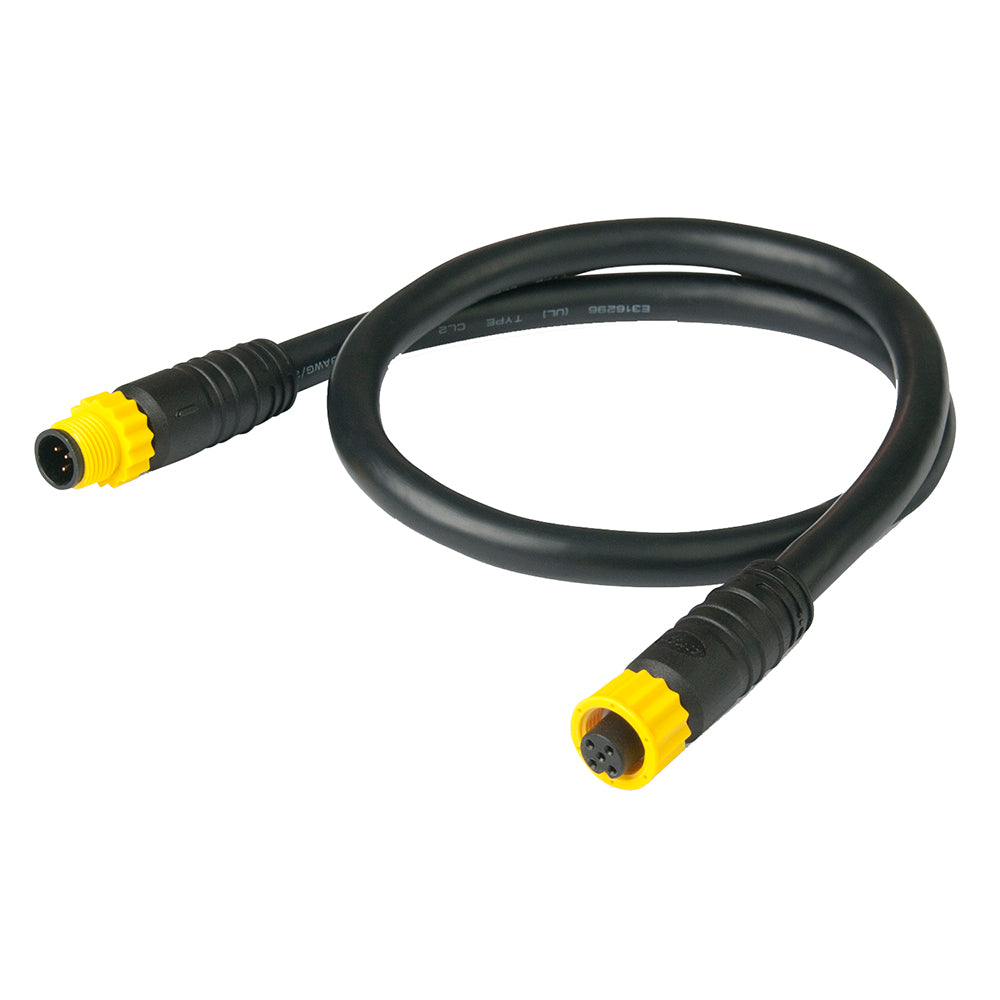
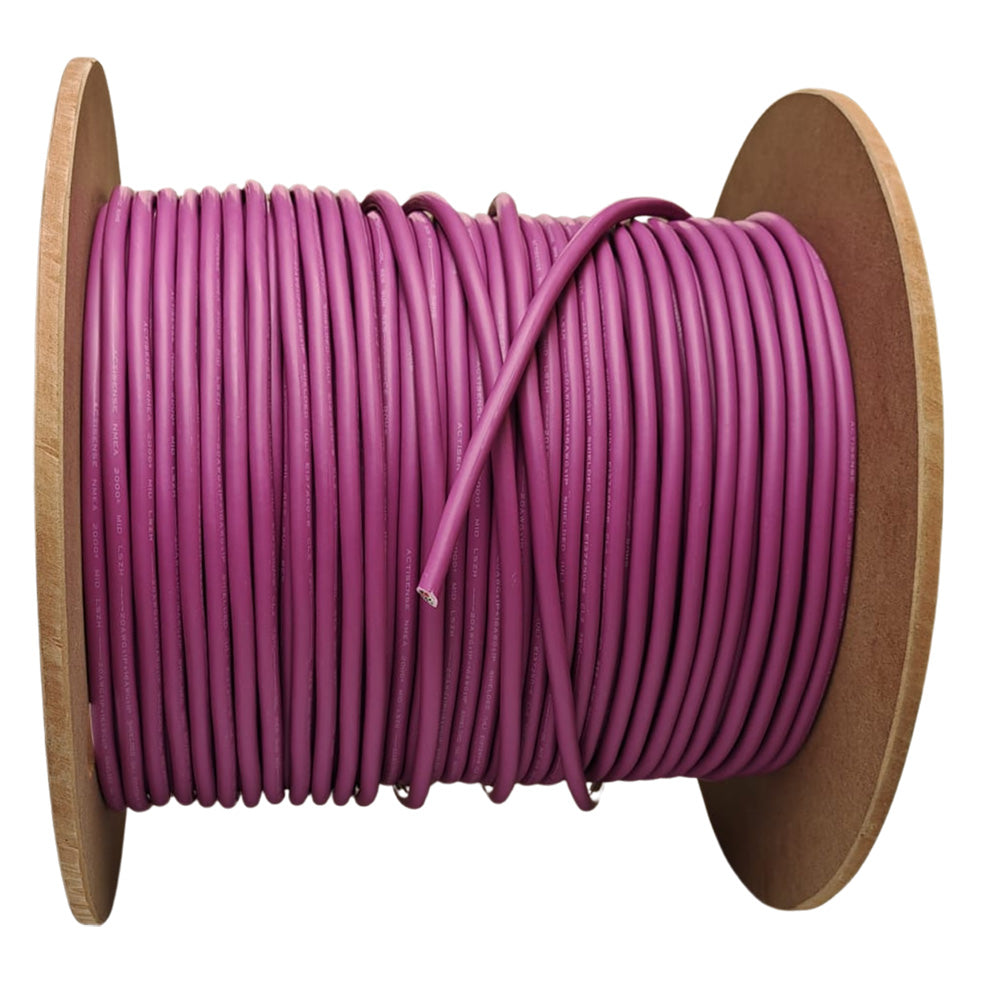
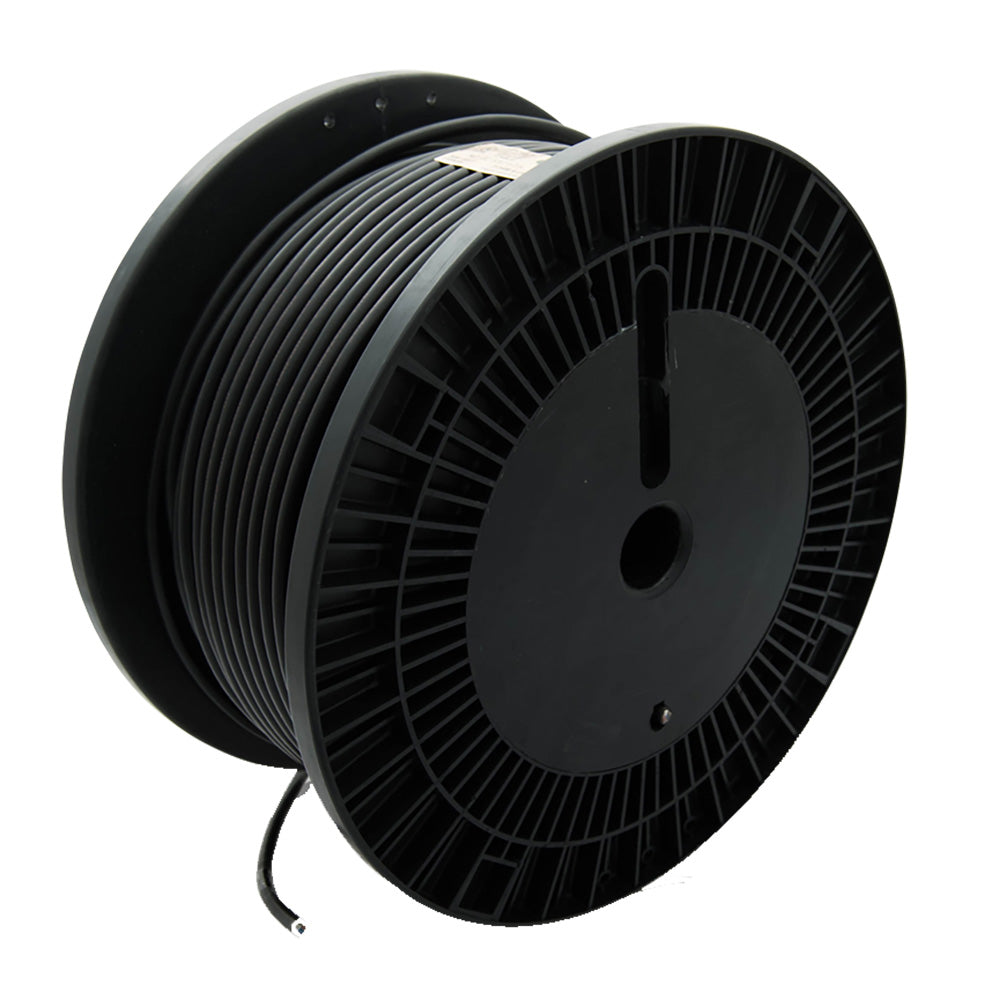
Length rules are simple on paper and easy to break on a real boat. Charleston Yachting stocks the backbone cable, drop assemblies, and extenders that keep your network inside the limits, with same-day shipping so a weekend refit does not turn into a two-week wait.
Frequently Asked Questions
What is the maximum length of an NMEA 2000 backbone?
It depends on the cable grade. Actisense rates its Micro (Lite) cable for a backbone up to 100 meters, while its Mid cable supports a backbone up to 250 meters. Where a run needs to exceed 100 meters, the center of the bus can be extended with a Mini cable so the outer Lite sections stay within their 100-meter maximum. Plan the backbone first, then confirm the grade of every section before ordering.
How long can an NMEA 2000 drop cable be?
The maximum permitted length of a single drop cable, meaning the distance from the backbone to the device, is 6 meters. Keep each drop as short as the installation allows, because the total of all drop lengths on one network must not exceed 72 meters. Actisense sells drop assemblies from 0.25 meters to 6 meters, so you can match each device instead of coiling excess cable behind a panel.
How do you calculate total cable length in an NMEA 2000 network?
Add up two separate figures. First, measure the backbone end to end, including every tee, and check it against the limit for your cable grade. Second, measure each drop from the backbone to its device and add them together; that total must stay at or under 72 meters, with no single drop over 6 meters. Keep both numbers on paper before you order cable, because a network can pass one limit and fail the other.
How many devices can connect to an NMEA 2000 network?
In practice, the drop-cable math usually limits you first: with a 6-meter single-drop cap and a 72-meter total, a large device count means short drops. Chartplotters, engine interfaces, wind sensors, and masthead equipment all count as nodes, so list every device before finalizing the layout.
